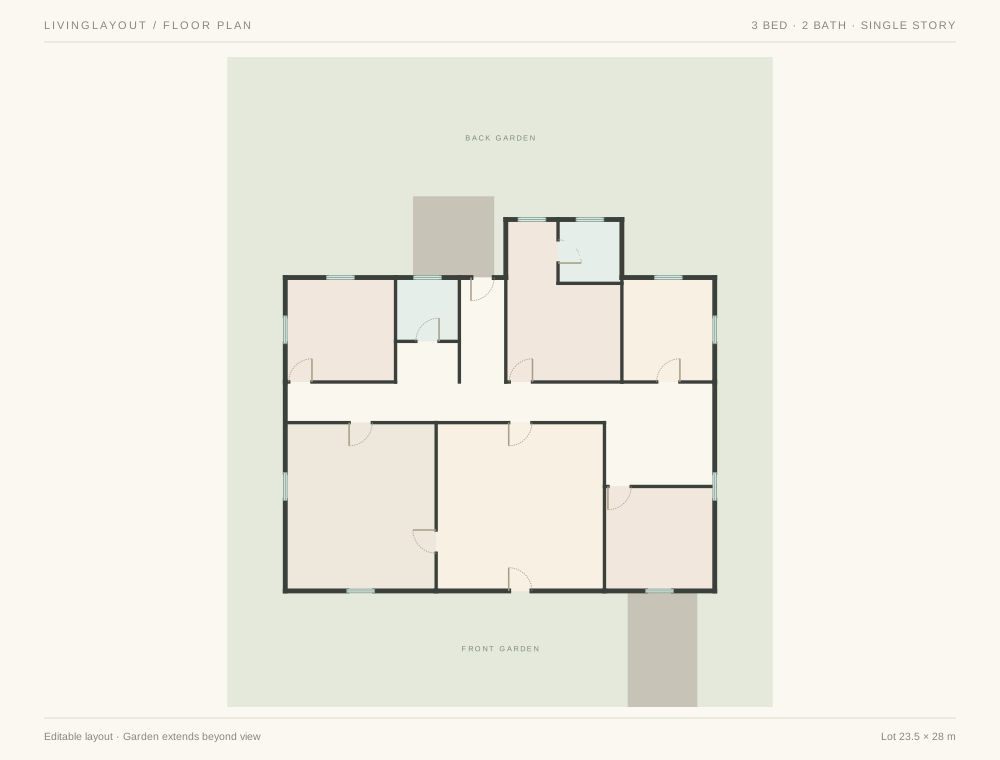
 View plan
3-bedroom house
Primary suite3 bed2 bath
 Choose a layout
YOUR FREE 3D DESIGN STUDIO
Choose a floor plan. Drop in furniture.
See what feels like you.
A little preview of what you can do. Your room is next.
YOUR FIRST MOVE
View plan3 bed2 bath
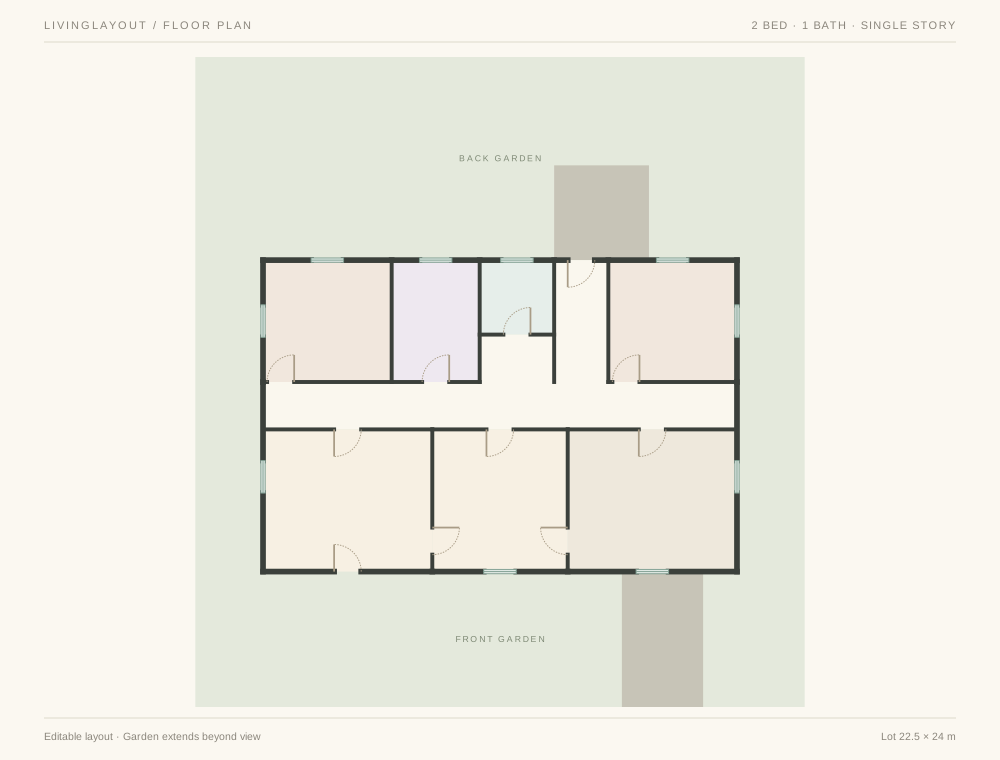 View plan
2 bed1 bath
Opens in 3D with furniture ready to browse. Starting layouts save on this device; previous rooms stay in Your rooms & alternatives.
FROM “WHAT IF” TO “THAT’S IT”
You don’t need to be a designer.
You just need a place to start.
Choose a two- or three-bedroom house with a yard and make it your own.
Choose your layoutThe furniture collection opens with your room. Pick a sofa, a table, a plant—then find the perfect spot.
Choose a piece. Place it. Make it yours.Rotate a chair. Change a finish. See another angle. Enable automatic saving or download a copy of the design you love.
A little help with savesA LITTLE INSPIRATION GOES A LONG WAY
Warm woods. A softer palette. The chair you keep coming back to. Collect the details, then try your own take.
Find your next idea

Your chosen home opens in the 3D studio with the furniture collection ready to browse. Choose a piece, move it into the room, and confirm its placement. You can move, rotate, recolor, or remove pieces as you go.
Yes. The virtual furniture and decorating tools are free to use, with no account or subscription needed. Shopping for real products is optional.
Choosing a layout saves its starting copy on this device. Open the room name in the studio to enable automatic saving for later edits or download a room file. Your previous room stays in Your rooms & alternatives. Keep a downloaded backup before clearing browser data.
Yes. The photo studio lets you add your own photo or use a sample, then arrange decorations over it. It is a separate tool; a photo does not automatically become a measured 3D room.
YOUR IDEAS LOOK GOOD IN HERE